Tools
The "Tools" tab provides extra functionality to help manage your Sucuri firewall. This includes options to clear the firewall cache, and to update the SSL certificate used by the firewall.
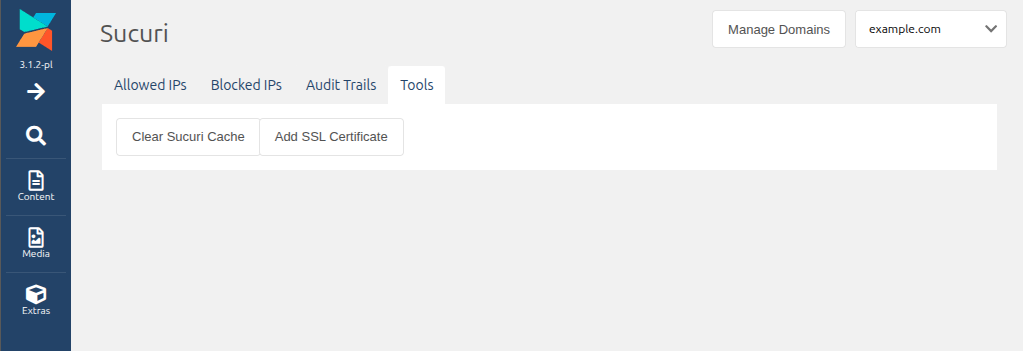
To clear the firewall cache, click the "Clear Sucuri Cache" button. This will clear any cached data in the firewall. This can be useful if you have updated a static file on your site, such as an image or CSS file, and want to ensure the latest version is served to visitors.
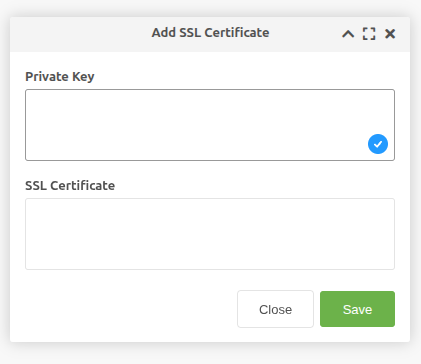
To update the SSL certificate used by the firewall, click the "Update SSL Certificate" button. This will prompt you to enter the new SSL certificate and private key.